Get code completion for Python like an IDE in the terminal using Vim editor with YouCompleteMe and Vungle plugin. Similar to
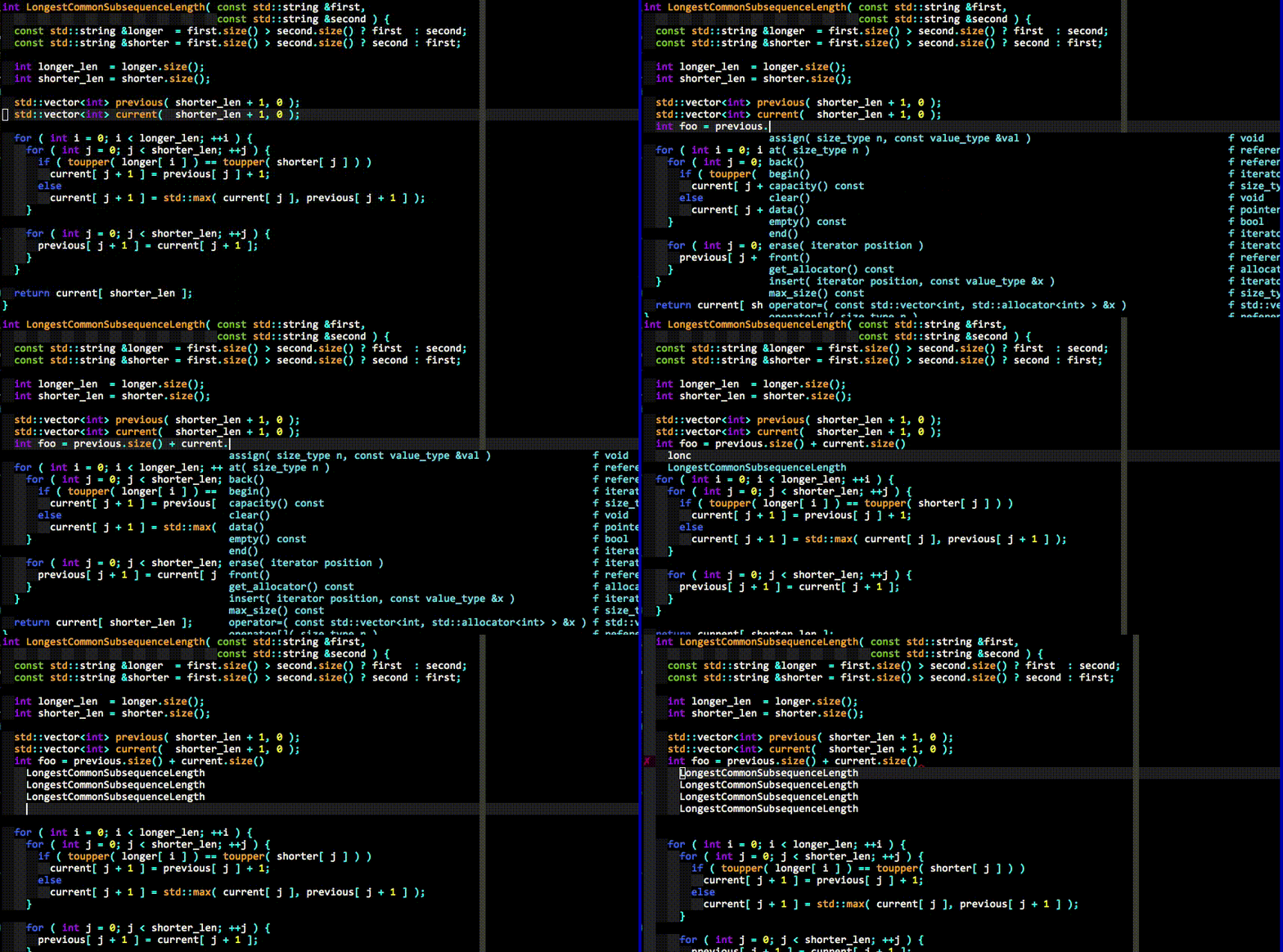
This is for Ubuntu Linux (Debian) based OSes.
Steps to be followed:
Update to latest Vim. This is done as Vim version greater than 7.41 isn’t available in Apt-get of Ubuntu Linux.
sudo add-apt-repository ppa:pkg-vim/vim-dailysudo apt-get updatesudo apt-get install vimdpkg -s vim | grep 'Version' #should be greater than 7.41touch ~/.vimrcGet Vundle.
git clone https://github.com/VundleVim/Vundle.vim.git ~/.vim/bundle/Vundle.vimAdd following in ~/.vimrc.
set nocompatiblefiletype offsyntax onset rtp+=~/.vim/bundle/Vundle.vimcall vundle#begin()let g:ycm_confirm_extra_conf = 0Plugin 'VundleVim/Vundle.vim'Plugin 'Valloric/YouCompleteMe'autocmd CursorMovedI * if pumvisible() == 0|pclose|endifautocmd InsertLeave * if pumvisible() == 0|pclose|endifcall vundle#end()filetype plugin indent onLaunch Vim and run the following. Plugin Installation completes with ‘Done!’ at the bottom left. Come out of it using :q.
:PluginInstallInstall development tools and CMake.
sudo apt-get install build-essential cmakeInstall Python Dev.
sudo apt-get install python-dev python3-devCompiling YCM without semantic support for C-family languages (Installing only for Python).
cd ~/.vim/bundle/YouCompleteMe./install.pyTest by opening any .py file. When you start typing, we start to see code recommendation and completions.
Based on tutorials from:
https://github.com/VundleVim/Vundle.vim#quick-start
http://valloric.github.io/YouCompleteMe/#ubuntu-linux-x64